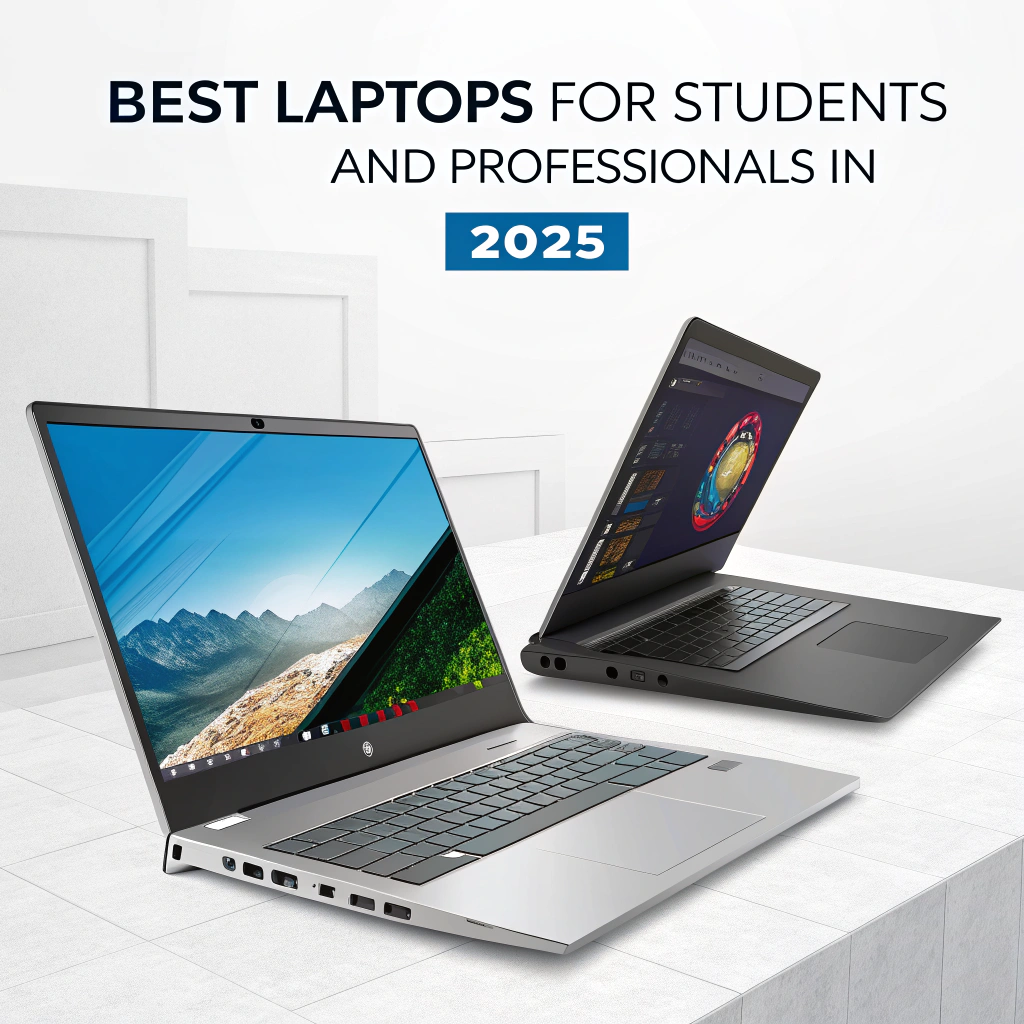

Best Laptops for Students & Professionals in 2025 — Updated Buying Guide
In 2025, students and professionals need laptops that are lightweight, fast, reliable, and powerful enough to handle:
Productivity apps (Word, Excel, Google Workspace)
Online classes, video conferencing, remote work
Coding, programming, and data analysis
Content creation (Photoshop, Premiere Pro)
Long battery life for travel and mobility
This Best Laptops for Students & Professionals 2025 guide will help you:
Choose the best laptops for every budget
Compare portability, performance & price
Find laptops for studying, office work, and creative tasks
Discover must-have accessories and software
1. Top 15 Laptops for Students & Professionals 2025
| Laptop | CPU | RAM | Storage | Display | Battery | Price | Best For |
| MacBook Air M2 | Apple M2 | 16GB | 512GB SSD | 13.6″ Retina | 18h | $1,199 | Portability, coding, general work |
| Dell XPS 13 Plus | Intel i7 13700H | 16GB | 1TB SSD | 13.4″ FHD+ | 12h | $1,499 | Students, professionals, multitasking |
| HP Spectre x360 | Intel i7 13700H | 16GB | 1TB SSD | 15.6″ 4K OLED | 11h | $1,399 | Creative work, 2-in-1 flexibility |
| Lenovo Yoga 9i | Intel i7 13700H | 16GB | 1TB SSD | 14″ 4K OLED | 12h | $1,299 | Students, content creators |
| Microsoft Surface Laptop 5 | Intel i5/i7 | 16GB | 512GB SSD | 13.5″/15″ PixelSense | 14h | $1,099 | Lightweight, business tasks |
| ASUS ZenBook 14 | AMD Ryzen 7 7840U | 16GB | 1TB SSD | 14″ OLED | 13h | $1,199 | Students, remote work |
| Acer Swift 5 | Intel i5 1340P | 16GB | 512GB SSD | 14″ FHD | 12h | $999 | Budget-conscious students |
| Lenovo ThinkPad X1 Carbon | Intel i7 13700H | 16GB | 1TB SSD | 14″ FHD | 15h | $1,699 | Professionals, business use |
| MacBook Pro 14″ M2 Pro | Apple M2 Pro | 32GB | 1TB SSD | 14″ Retina | 17h | $2,199 | Power users, editing, coding |
| Dell Inspiron 16 | Intel i7 1360P | 16GB | 1TB SSD | 16″ FHD | 10h | $1,099 | Budget professionals |
| HP Envy 13 | Intel i5 1340P | 16GB | 512GB SSD | 13.3″ FHD | 12h | $949 | Students, light work |
| ASUS ROG Flow X13 | AMD Ryzen 9 7940HS | RTX 4060 | 32GB | 1TB SSD | 10h | $1,799 | Gaming + productivity |
| Samsung Galaxy Book3 Pro | Intel i7 13700H | 16GB | 1TB SSD | 16″ AMOLED | 12h | $1,299 | Students, professionals |
| LG Gram 17 | Intel i7 13700H | 16GB | 1TB SSD | 17″ WQXGA | 14h | $1,499 | Professionals, large display users |
| Razer Blade 14 | AMD Ryzen 9 7940HS | RTX 4060 | 16GB | 512GB SSD | 14″ QHD | 9h | $1,699 |
Pro Tip: Focus on battery life, portability, and display quality for students, and CPU/RAM/storage for professionals.
2. Best Laptops for Students
Key Requirements for Students:
Lightweight & portable (<2kg)
Long battery life (10–18h)
Affordable pricing (<$1,500 for most)
Good keyboard & webcam for online learning
Decent storage (SSD recommended)
Top Student Picks:
MacBook Air M2 — Ultra-portable, powerful enough for coding and productivity.
Acer Swift 5 — Budget-friendly, good battery, perfect for note-taking & streaming lectures.
ASUS ZenBook 14 — High-quality OLED display, compact design, excellent for creative tasks.
Pro Tip: Students should prioritize battery life and portability over GPU power unless gaming or video editing is a priority.
3. Best Laptops for Professionals
Key Requirements for Professionals:
Powerful CPU (i7/i9 or Apple M2 Pro/Max)
Sufficient RAM (16–32GB) for multitasking
Fast SSD storage for large files
Excellent display for editing or spreadsheets
Durable design & long warranty
Top Professional Picks:
Dell XPS 13 Plus — Multitasking, office work, and programming.
Lenovo ThinkPad X1 Carbon — Business-focused, lightweight, robust build, ideal for travel.
MacBook Pro 14″ M2 Pro — For power users, editing, coding, and productivity applications.
Pro Tip: Professionals should invest in high-end CPUs and displays to maximize efficiency.
4. Portability vs Power Comparison
| Laptop | Weight | Battery | CPU/GPU Power | Notes |
| MacBook Air M2 | 1.24kg | 18h | Apple M2 | Ultra-portable, excellent battery |
| Dell XPS 13 Plus | 1.3kg | 12h | Intel i7 13700H | Professional multitasking |
| Lenovo ThinkPad X1 Carbon | 1.2kg | 15h | Intel i7 13700H | Travel-friendly, robust |
| MacBook Pro 14″ M2 Pro | 1.6kg | 17h | Apple M2 Pro | Heavy workloads, editing |
| ASUS ZenBook 14 | 1.2kg | 13h | AMD Ryzen 7 7840U | OLED display, creative tasks |
Pro Tip: Students prioritize weight & battery, professionals prioritize CPU/GPU and reliability.
5. Accessories & Software Recommendations
Accessories for Students:
External hard drive or SSD for backups
Laptop backpack or sleeve
Wireless mouse & keyboard
Accessories for Professionals:
Docking station for multi-monitor setups
External monitor with high resolution
Noise-canceling headset for remote work
Software Essentials:
Microsoft Office / Google Workspace
Zoom / Teams for meetings
Antivirus & VPN for security
Adobe Creative Cloud (professionals & creatives)
6. Tips for Buying the Right Laptop in 2025
Define your use case — Study, coding, gaming, professional work
Set a budget — Students: $800–$1,500 | Professionals: $1,200–$3,000+
Prioritize battery & portability for mobility
Check build quality & warranty — Essential for students & professionals
Consider refurbished laptops — Save 20–30% on high-quality devices
7. Conclusion
Choosing the best laptop in 2025 depends on your lifestyle, workload, and mobility needs.
Summary Recommendations:
Students: MacBook Air M2, Acer Swift 5, ASUS ZenBook 14
Professionals: Dell XPS 13 Plus, Lenovo ThinkPad X1 Carbon, MacBook Pro 14″ M2 Pro
Budget-conscious users: HP Envy 13, Dell Inspiron 16 A carefully chosen laptop boosts productivity, creativity, and efficiency, making it a smart investment for education and career growth