
Laptop vs Tablet vs Hybrid Devices 2025 — Introduction
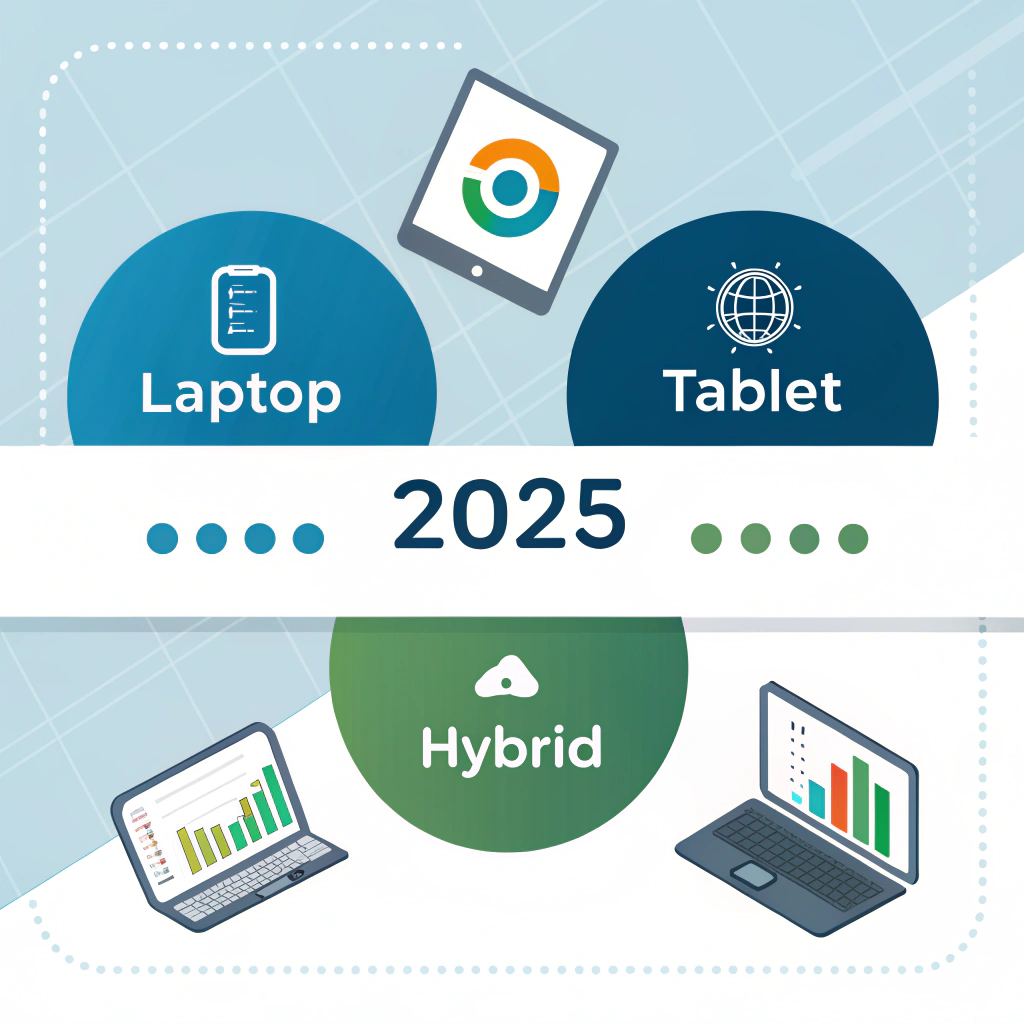
Laptop vs Tablet vs Hybrid Devices 2025 is a crucial comparison for anyone planning to buy a new device this year. Technology in 2025 offers a wide range of portable computing options, and whether you are a student, professional, gamer, or content creator, choosing the right device can directly impact your productivity and mobility.
1. Device Comparison: Laptops vs Tablets vs Hybrids
| Feature | Laptop | Tablet | Hybrid/2-in-1 | Notes |
| CPU | Intel i5/i7/i9, AMD Ryzen, Apple M1/M2 | Apple M2, Snapdragon, Intel i3/i5 | Intel i5/i7, Apple M2 | Laptops & hybrids stronger for heavy tasks |
| RAM | 8–64GB | 4–16GB | 8–32GB | Tablets limited, hybrids moderate |
| Storage | 256GB–4TB SSD | 64GB–2TB SSD | 256GB–2TB SSD | Laptops offer more storage |
| Display | 11–17″ | 7–13″ | 12–15″ | Touchscreen available on tablets & hybrids |
| Ports | USB-A/C, HDMI, SD | USB-C, Lightning | USB-C, Thunderbolt | Laptops best for connectivity |
| Battery Life | 6–18h | 8–20h | 10–15h | Tablets generally last longest |
| Keyboard | Built-in | Optional attachable | Built-in or detachable | Hybrids provide flexibility |
| Portability | Moderate | Excellent | Very good | Tablets most portable |
| Price | $500–$3,500+ | $300–$1,500 | $700–$2,500 | Depends on performance & brand |
Pro Tip: Identify primary use before buying — heavy work favors laptops, mobility favors tablets, flexibility favors hybrids.
2. Best Laptops for Power Users
Ideal for: Professionals, gamers, content creators, developers
Key Features:
High-end CPU & GPU
16–64GB RAM
SSD storage 512GB–4TB
Multi-monitor support
Advanced cooling
Top Recommendations 2025:
MacBook Pro 14″ M2 Pro — Power, battery, reliability
Dell XPS 15/17 — Multimedia, coding, professional use
Razer Blade 14 — Gaming + productivity
Pro Tip: Laptops remain the best for heavy workloads and multitasking.
3. Best Tablets for Mobility
Ideal for: Students, casual users, media consumption, note-taking
Key Features:
Lightweight and portable (<1kg)
8–16h battery life
Touchscreen & stylus support
64–512GB storage
Top Recommendations 2025:
Apple iPad Pro M2 — Productivity, creative apps, smooth multitasking
Samsung Galaxy Tab S9 — AMOLED display, Android ecosystem
Microsoft Surface Go 4 — Windows tablet, productivity apps
Pro Tip: Tablets excel for portability and casual work, but not for heavy professional tasks.
4. Best Hybrid / 2-in-1 Devices
Ideal for: Students, professionals needing flexibility
Key Features:
Detachable or foldable keyboard
Touchscreen + pen support
Moderate CPU & GPU power
Battery 10–15h
Top Recommendations 2025:
Microsoft Surface Pro 10 — Excellent 2-in-1, Windows apps
HP Spectre x360 14/15 — Powerful, convertible design
Lenovo Yoga 9i — Creative work, multimedia, portability
Pro Tip: Hybrids combine laptop power with tablet portability — perfect for students & mobile professionals.
5. Performance vs Portability Comparison
| Device | CPU Power | RAM | Storage | Portability | Battery | Price | Best Use Case |
| Laptop | High | 16–64GB | 256GB–4TB | Moderate | 6–18h | $500–$3,500+ | Gaming, professional work, content creation |
| Tablet | Medium | 4–16GB | 64GB–2TB | Excellent | 8–20h | $300–$1,500 | Media, note-taking, light productivity |
| Hybrid | Medium-High | 8–32GB | 256GB–2TB | Very good | 10–15h | $700–$2,500 | Students, remote work, presentations |
Pro Tip: Match device choice to primary workload, mobility needs, and budget.
6. Software & Accessories
Accessories for Tablets & Hybrids:
Stylus for drawing and note-taking
Protective case & keyboard cover
External SSD for extra storage
Accessories for Laptops:
Docking station for multi-monitor setup
External mouse & keyboard
Cooling pad for gaming laptops
Essential Software:
Office / Google Workspace
Zoom, Teams, Slack for remote work
Creative Cloud for designers
Antivirus & VPN for security
7. Decision Guide: Laptop, Tablet, or Hybrid?
| User Type | Recommended Device | Notes |
| Student (heavy coding, projects) | Laptop or Hybrid | Laptops for power, hybrids for flexibility |
| Student (light tasks, portability) | Tablet | Ideal for note-taking, reading, and media |
| Professional (office work, multitasking) | Laptop | Reliable, powerful for productivity apps |
| Professional (travel-heavy, presentations) | Hybrid | Lightweight, versatile |
| Creative (graphic design, video editing) | Laptop | High CPU/GPU, large display |
| Casual user | Tablet | Browsing, streaming, light apps |
Pro Tip: If you want one device for everything, hybrids are the most versatile, but laptops still lead in raw performance.
8. Conclusion
In 2025, choosing the right device comes down to performance needs, portability, and budget.
Summary Recommendations:
Laptop: Power users, multitasking, gaming, content creation
Tablet: Mobility, media consumption, casual productivity
Hybrid/2-in-1: Students, mobile professionals, versatile workflows
By understanding your primary tasks and lifestyle, you can choose a device that maximizes productivity, creativity, and portability without compromise.